QueuePro Lite
Perfect for small businesses — manage up to 3 service counters with real-time display boards.
What's Included
- Up to 3 counters
- Digital display board
- SMS notifications
- Basic analytics
- Email support
Product Overview
QueuePro Lite is our entry-level smart queue solution designed for clinics, banks, and retail outlets with up to 3 service windows. Includes digital display, SMS alerts, and a simple dashboard.
QueuePro Lite: smart queue management for small businesses
QueuePro Lite is the entry-level edition of our smart queue management system, built for small businesses that serve customers at up to three counters. Instead of a crowd at the front desk, every visitor takes a ticket, follows the digital display board and receives a text message when their turn is close, so your staff can focus on serving people.
It is designed for clinics, bank branches and retail outlets that want an orderly waiting area without an enterprise project. You get a digital display board, SMS notifications, a simple dashboard with basic analytics and email support, all for a flat monthly subscription. When you need more than three counters or open a second site, you can move up to QueuePro Enterprise.
Why small businesses choose QueuePro Lite
Digital display board
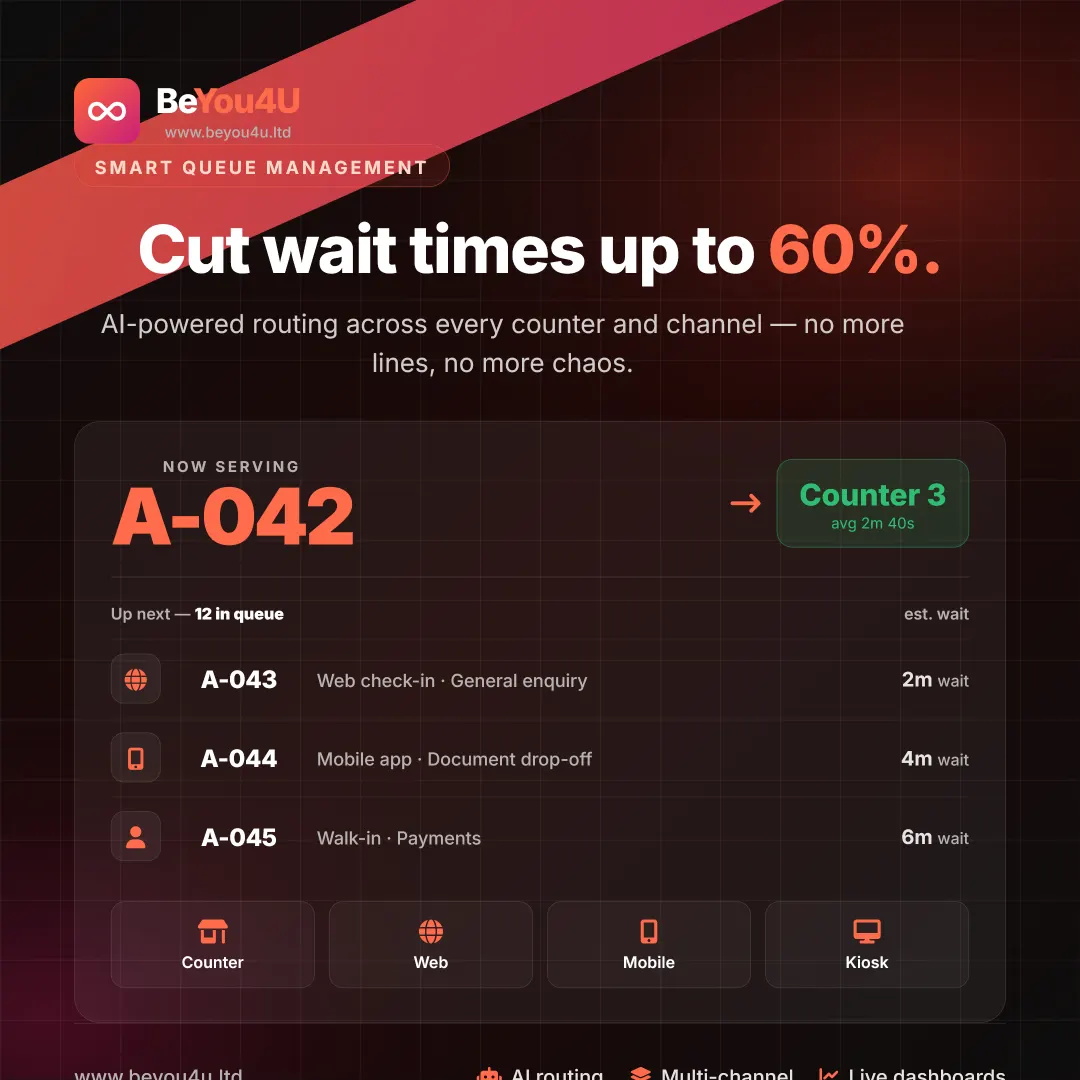
A clear now-serving screen shows which ticket is being called and at which counter, so nobody has to ask the front desk how much longer the wait will be.
SMS notifications
Customers receive a text message as their turn approaches, so they can wait outside, grab a coffee or run an errand instead of standing in a crowded waiting room.
Basic analytics
A simple dashboard with basic analytics gives you a clearer picture of demand, so you can plan your staff around the busiest hours of the day.
Sized for up to 3 counters
QueuePro Lite covers one to three service counters, which suits most small clinics, bank branches and shops. You pay one monthly price, with no enterprise features you will never use.
Getting started with QueuePro Lite
-
Request a demo
Tell us how many counters you run and which services you offer. We walk you through QueuePro Lite on a short demo built around your own workflow.
-
Set up counters and display
We configure your service counters, the digital display board and SMS notifications, so tickets are called in the right order from day one.
-
Go live and track results
Open your doors with the new queue, then use the dashboard and basic analytics to see how your waiting area performs. Email support is there whenever you need help.
Who QueuePro Lite is for
Clinics and practices
Medical practices with a single reception desk that want to call patients in order and keep the waiting room calm.
Bank branches
Local branches with a few teller windows that want to serve customers fairly and let them wait comfortably until they are called.
Retail outlets
Shops with service, returns or collection counters that want to replace an informal line with numbered tickets and a clear display.
QueuePro Lite FAQ
How many counters does QueuePro Lite support?
QueuePro Lite supports up to three service counters, which makes it a good fit for small clinics, bank branches and retail outlets. If you need more counters, several branches or AI-powered routing, QueuePro Enterprise offers unlimited counters and branches together with advanced BI dashboards.
What is included in QueuePro Lite?
Every QueuePro Lite subscription includes a digital display board, SMS notifications that tell customers when their turn is close, a simple dashboard with basic analytics and email support. It is billed as a flat monthly subscription, and the current price is shown on this page.
When should we upgrade to QueuePro Enterprise?
Consider upgrading when you need more than three counters, want to manage several branches from one place, or need AI-powered routing, a multi-language kiosk, advanced BI dashboards or REST API access. Enterprise also includes dedicated SLA support for organisations that serve thousands of customers a day.
How do customers know when it is their turn?
Each customer takes a ticket and can follow progress on the digital display board, which shows the number being served and the counter to go to. With SMS notifications switched on, they also receive a text message as their turn approaches, so they do not need to stay in the waiting area.