CaseDesk Standard
Streamline case intake, assignment, and resolution for teams of up to 25 agents.
What's Included
- Up to 25 agents
- Configurable case forms
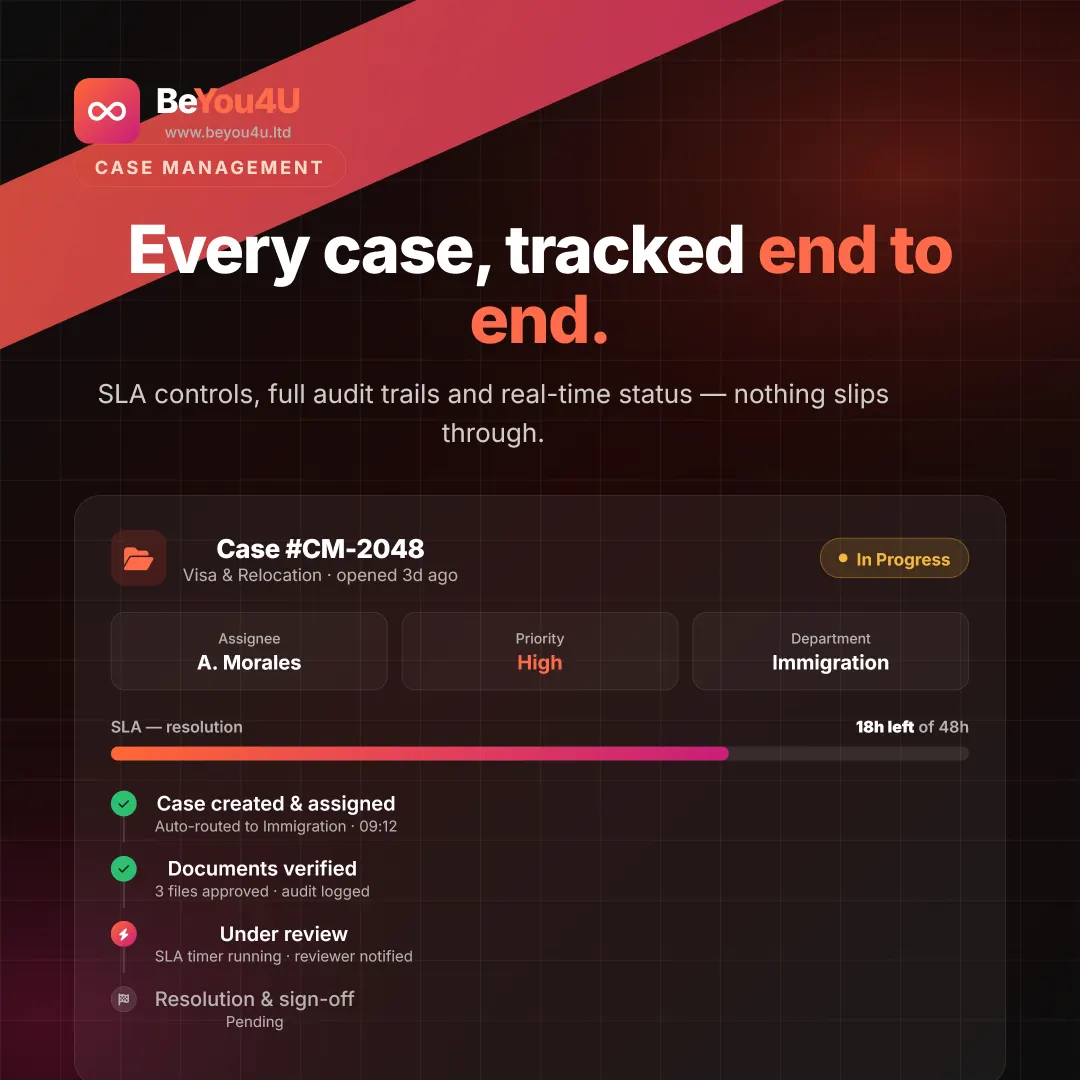
- SLA timers & alerts
- Email & in-app notifications
- Standard reports
- Phone & email support
Product Overview
CaseDesk Standard gives your team a powerful yet intuitive interface for managing cases. Configurable forms, SLA timers, escalation rules, and reporting out of the box.
CaseDesk Standard: case management software for growing teams
CaseDesk Standard gives teams of up to 25 agents one place to take in, assign and resolve cases. Configurable case forms capture the right information from the start, SLA timers show how much time each case has left, and escalation rules make sure nothing sits unanswered. Agents work in an intuitive interface, and managers follow progress through standard reports instead of chasing updates by email.
It suits service desks, support teams and departments that have outgrown shared inboxes and spreadsheets but do not need heavy enterprise controls. CaseDesk Standard is billed monthly for up to 25 agents and includes phone and email support. If you later need unlimited agents, document management or full audit trails, you can move up to CaseDesk Pro.
Why teams choose CaseDesk Standard
Configurable case forms
Design intake forms around the cases you actually handle, so every request arrives with the details your agents need to resolve it without back-and-forth.
SLA timers and alerts
Every case carries a visible SLA timer, and alerts warn your team before a deadline is missed, keeping response and resolution times under control.
Email and in-app notifications
Agents are notified when a case is assigned, updated or escalated, whether they are working inside CaseDesk or checking their inbox.
Standard reports
Out-of-the-box reports give team leads visibility of case activity and SLA performance without building reports from scratch or exporting data to spreadsheets.
Getting started with CaseDesk Standard
-
Book a demo
Show us how cases reach your team today and we will walk you through CaseDesk Standard using examples from your own workflow.
-
Configure forms and SLAs
Set up your case forms, SLA timers and escalation rules, then add up to 25 agents to the system.
-
Start resolving cases
Your team works cases from one shared view while notifications and alerts keep everyone on schedule. Phone and email support are there when you need help.
Who CaseDesk Standard is for
Customer service desks
Support teams that need structure for incoming requests, clear ownership of every case and SLA targets they can actually meet.
Internal departments
Teams handling staff or supplier requests that want every case logged, assigned and followed through to resolution.
Small and mid-sized organisations
Organisations with up to 25 case handlers that want professional case management at a predictable monthly price.
CaseDesk Standard FAQ
How many agents can use CaseDesk Standard?
CaseDesk Standard supports up to 25 agents on a single monthly subscription. If your team is larger, or you expect to grow beyond 25 case handlers, CaseDesk Pro offers unlimited agents together with document management, full audit trails and custom multi-step workflows.
What is included in CaseDesk Standard?
You get configurable case forms, SLA timers and alerts, escalation rules, email and in-app notifications, standard reports, and phone and email support. Everything works out of the box, so your team can start managing cases in a structured way without a long implementation project.
When should we upgrade to CaseDesk Pro?
Upgrade when you need more than 25 agents, document management with e-signatures, full audit trails for compliance, complex multi-step workflows, advanced role-based access or API integration with other systems. CaseDesk Pro is built for government agencies and large enterprises with those needs, and includes a dedicated support manager.
How does CaseDesk Standard help us meet SLAs?
Each case has an SLA timer that shows how much time remains, and alerts notify your team before a target is missed. Escalation rules then move overdue or urgent cases to the right people, so deadlines are managed by the system rather than by memory.
Related pages